Two-factor authentication
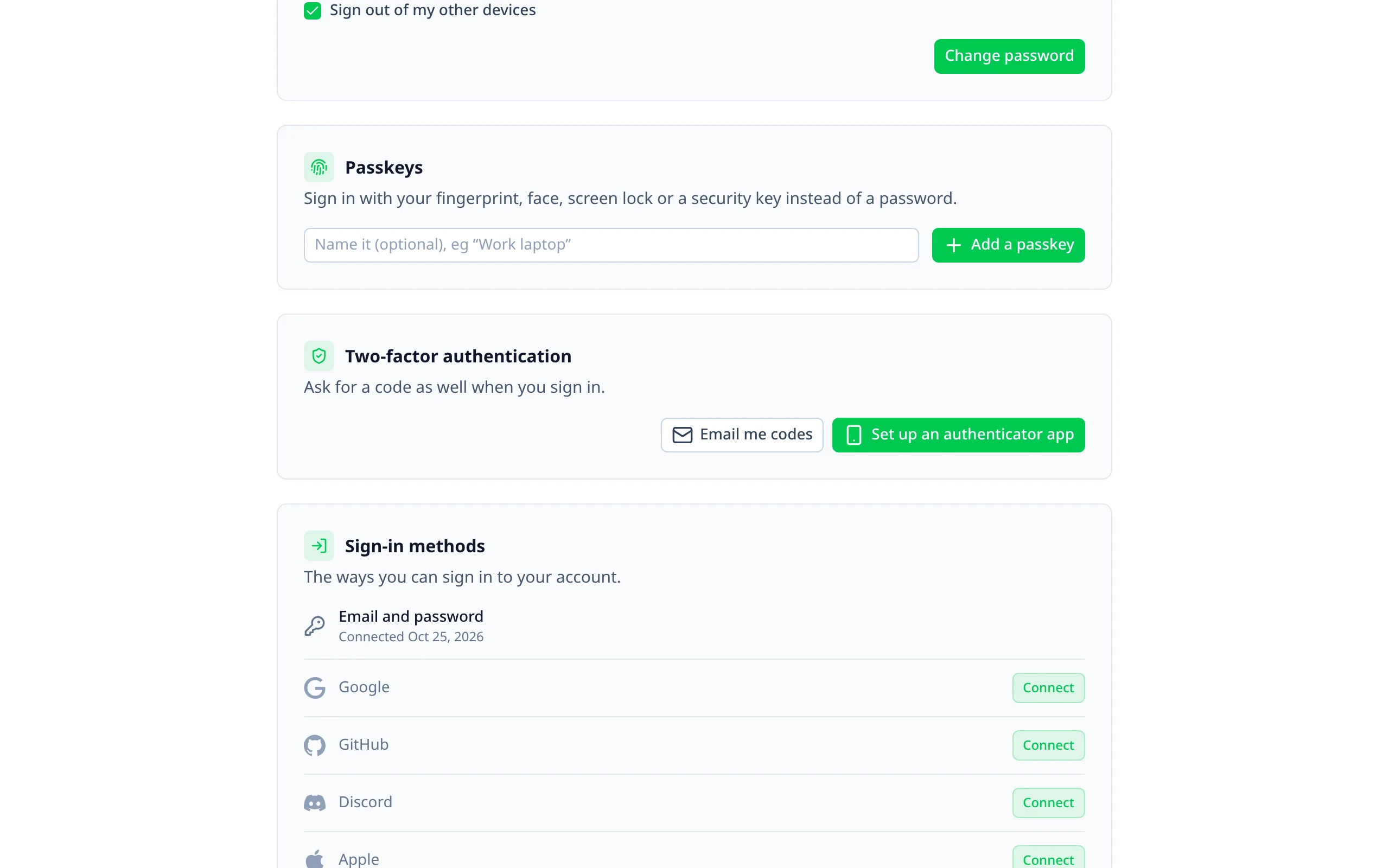
Better Auth's Two-Factor plugin, added by the module.
Turning it on
Enable it
export default defineNuxtConfig({
  betterAuthUi: {
    twoFactor: {
      enabled: true,
      // Codes by email as well as authenticator apps (needs emails.send).
      otp: true,
      // Who must have it on: true for everyone, or roles.
      required: ['admin', 'moderator']
    }
  }
})
Run Better Auth's migrations
The plugin adds a twoFactorEnabled column to the user table and a twoFactor table.
How people use it
- Setting it up, on the account page: scan a QR code, confirm with the app's first code, and save the backup
codes. The QR code is drawn in the browser, so the secret never leaves it. With
otp, codes can be emailed instead. Users with a password confirm with it; users who only sign in with a provider can set it up too. - Signing in then asks for a code on
/two-factor: from the app, by email, or a backup code (each works once), with "Trust this device". After signing in, they go on to where they were heading. - Too many wrong codes lock the account for a while (Better Auth's own lockout).
Every sign-in is challenged
Better Auth's plugin only challenges password sign-ins, and suggests hooks for the rest. The module adds them, so these are challenged too:
- social and Generic OAuth sign-ins;
- social ID tokens and One Tap;
- sign-in links and codes by email.
They run the plugin's own challenge, so codes, trusted devices and the lockout work the same. Provider sign-ins go to
/two-factor instead of signing straight in.
Requiring it
required makes two-factor mandatory, for everyone (true) or for some roles (['admin', 'moderator']). Until
those users set it up:
- pages send them to the account page, with a banner saying why;
- your
/apiroutes, the admin's and Better Auth's admin endpoints answer 403.
Better Auth's other endpoints stay open, since setting two-factor up goes through them. Once it's on, they can't turn it off.
A passkey sign-in counts. A session started with a passkey isn't held back, while one started with a password or
a provider still needs two-factor. The module notes passkey sessions in Better Auth's verification table, as the
Two-Factor plugin does for trusted devices, so there's no extra table.
Users are matched by their admin roles, so a role change applies on their next request. Guests are never required to use it.
Options
emails.send with the two-factor-code template.true for everyone, or a list of roles.appName.In the admin
- A shield on the users list for users who have it on, and a "Two-factor off" filter.
- A badge on each user's page, including "Required, not set up".
- Lost their device? Staff can turn a user's two-factor off from their page. See Managing users.
Adding the plugin yourself
Leave twoFactor.enabled off, add twoFactor() and twoFactorClient() to your auth configs, and the account page
picks it up. The extra challenges and required only come with the module's plugin.