Signing in devices
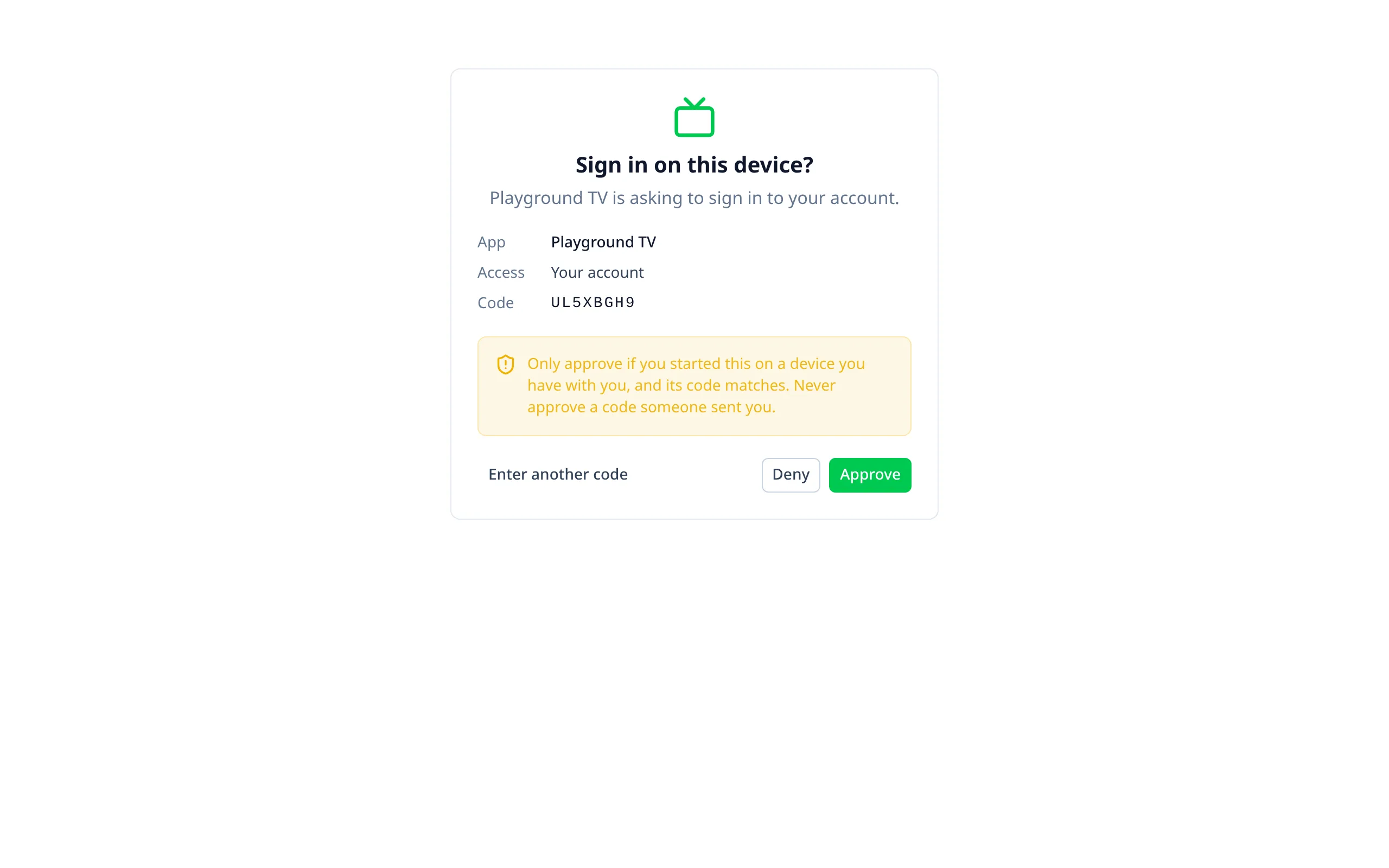
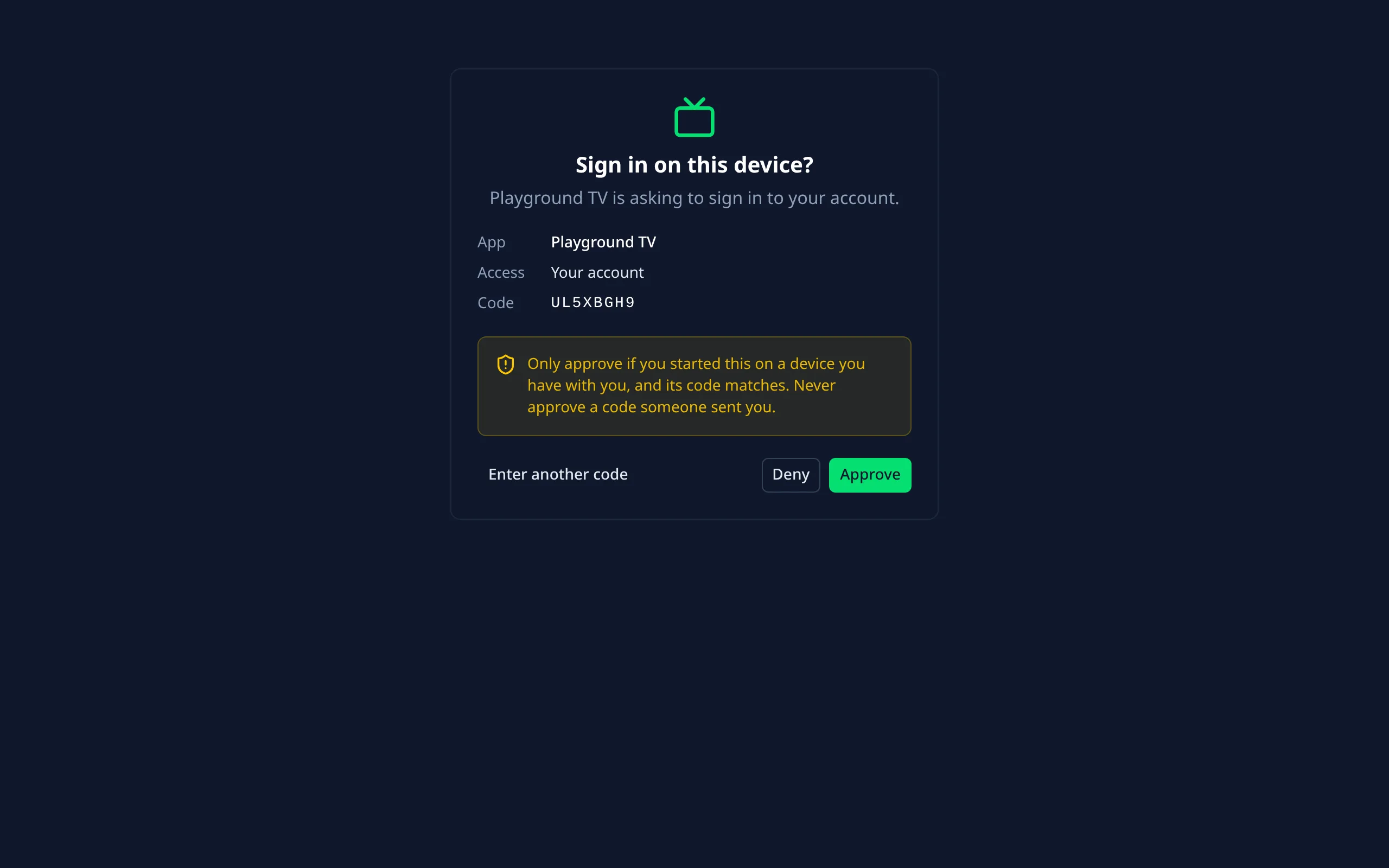
For apps on devices without a browser or keyboard: a TV, a console, a CLI, a desktop app. The device shows "Go to example.com/device and enter ABCD-1234", and the person approves it from their phone or computer.
It's Better Auth's Device Authorization plugin, the OAuth device grant (RFC 8628).
Turning it on
Enable it, and list your apps
export default defineNuxtConfig({
  betterAuthUi: {
    deviceAuthorization: {
      enabled: true,
      // The apps allowed to ask, by client_id, with the name the page shows.
      clients: {
        'tv-app': 'Our TV app',
        'our-cli': 'Our CLI'
      }
    }
  }
})
Run Better Auth's migrations
The plugin adds a deviceCode table.
clients, any client id is accepted (Better Auth's default) and the page shows the raw id. The module warns
at build time: set it in production.The approval page
/device is for signed-in people; others sign in first and come back with their code. It:
- takes the code, or reads it from
?user_code=when the device shows a link; - shows which app is asking, and what access it wants;
- warns not to approve a code someone else sent;
- approves or denies it.
Approvals are recorded in the audit log. The signed-in device shows on the account page's Devices tab, where it can be signed out.
The device side
Asking for a code and waiting for approval is your app's job, with Better Auth's deviceAuthorizationClient:
const { data } = await authClient.device.code({ client_id: 'tv-app' })
// Show data.user_code and data.verification_uri, then every `interval` seconds:
const { data: token } = await authClient.device.token({
  grant_type: 'urn:ietf:params:oauth:grant-type:device_code',
  device_code: data.device_code,
  client_id: 'tv-app'
})
Once approved, that returns a Better Auth session token, used with the Bearer plugin. See Better Auth's device authorization docs for the full flow.
Options
client_id, with the name the page shows for each.verification_uri.