Overview
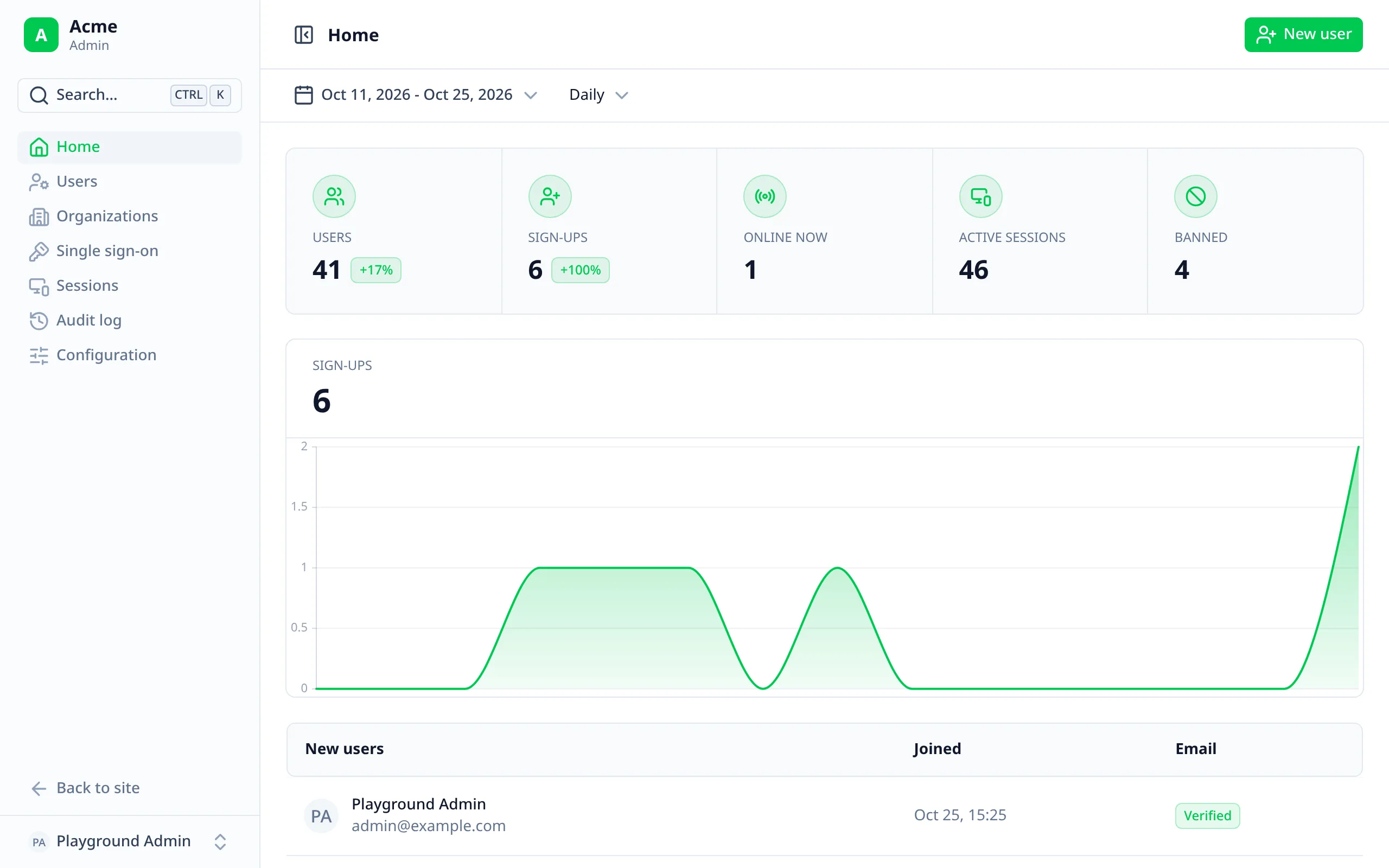
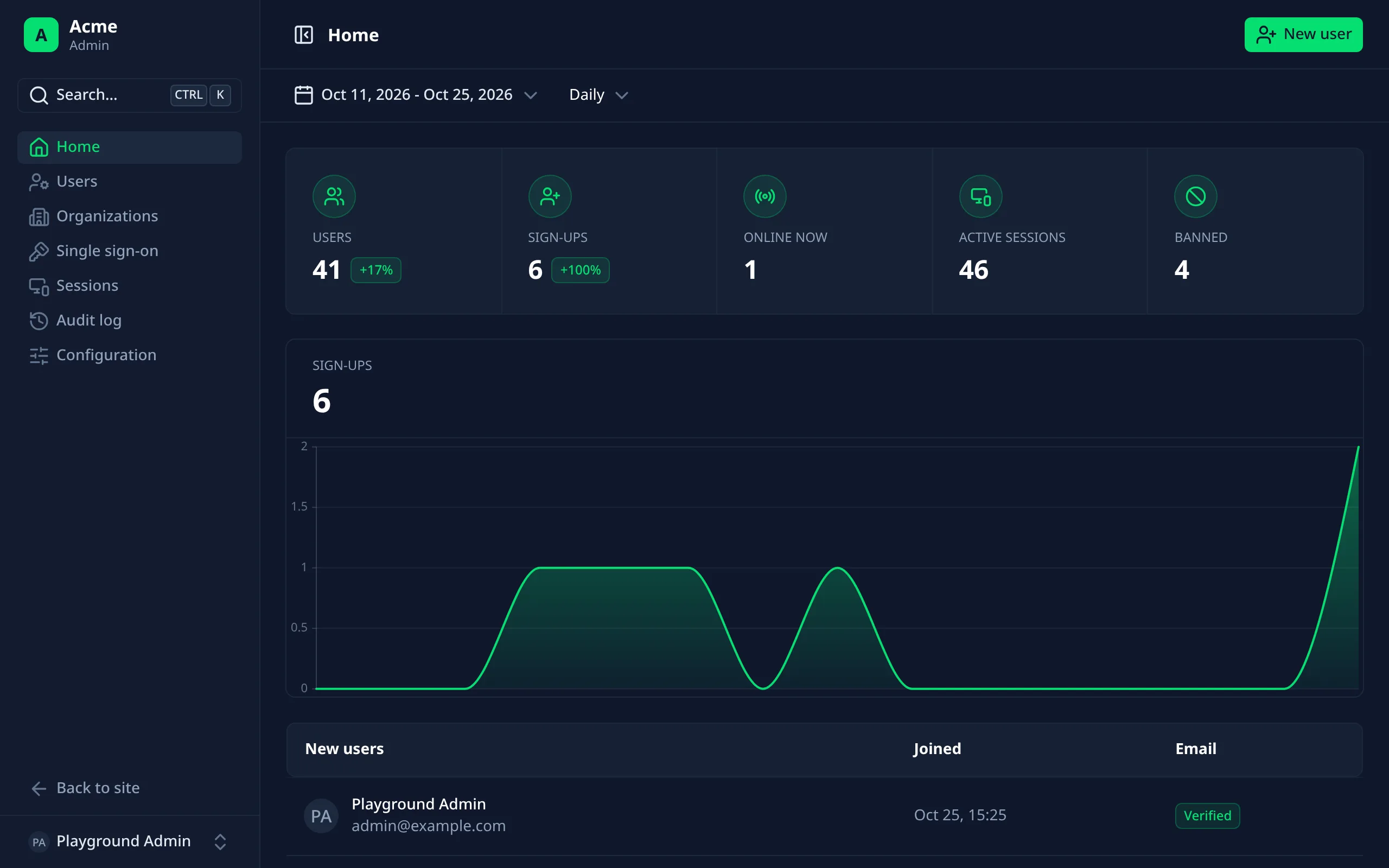
The admin dashboard is on by default, at /admin. Staff manage users there through Better Auth's
Admin plugin, which the module adds for you. Everything in it is backed
by Better Auth: it checks every action's permission on its server.
Getting in
Only signed-in staff can open it: users with the admin role, and roles that can list users. Others are sent to the sign-in page, or get a 403.
Nobody has the admin role at first. Give it to yourself once in the database:
update user set role = 'admin' where email = 'you@example.com';
After that, admins can give the role to others from the dashboard.
Finding your way
The layout comes from the Nuxt UI dashboard template: a collapsible
sidebar headed by your app's name (Better Auth's appName), and a menu at its foot with your account, light, dark or
system appearance, the way back to your site, and signing out.
Search (⌘Ctrl K) finds pages, actions such as "Create a user", and users by name or email.
| Shortcut | Goes to |
|---|---|
| G then H | Home |
| G then U | Users |
| G then S | Sessions |
| G then A | Audit log |
| G then C | Configuration |
The pages
Home
Total users, sign-ups compared with the previous period, active sessions and bans; a sign-ups chart by day, week or month over a range you choose; and the newest users. With activity tracking, an "Online now" card too.
Users
Everyone, with search, filters and actions. See Managing users.
Sessions
Everyone signed in, most recently active first, with device, IP, when they signed in and when the session expires.
Sign any session out. It needs the session: list permission.
Organizations and single sign-on
With organizations and single sign-on on, pages listing every organization and every identity provider.
Audit log
Every admin action and, by default, users' own sign-ins. See Audit log and activity.
Configuration page
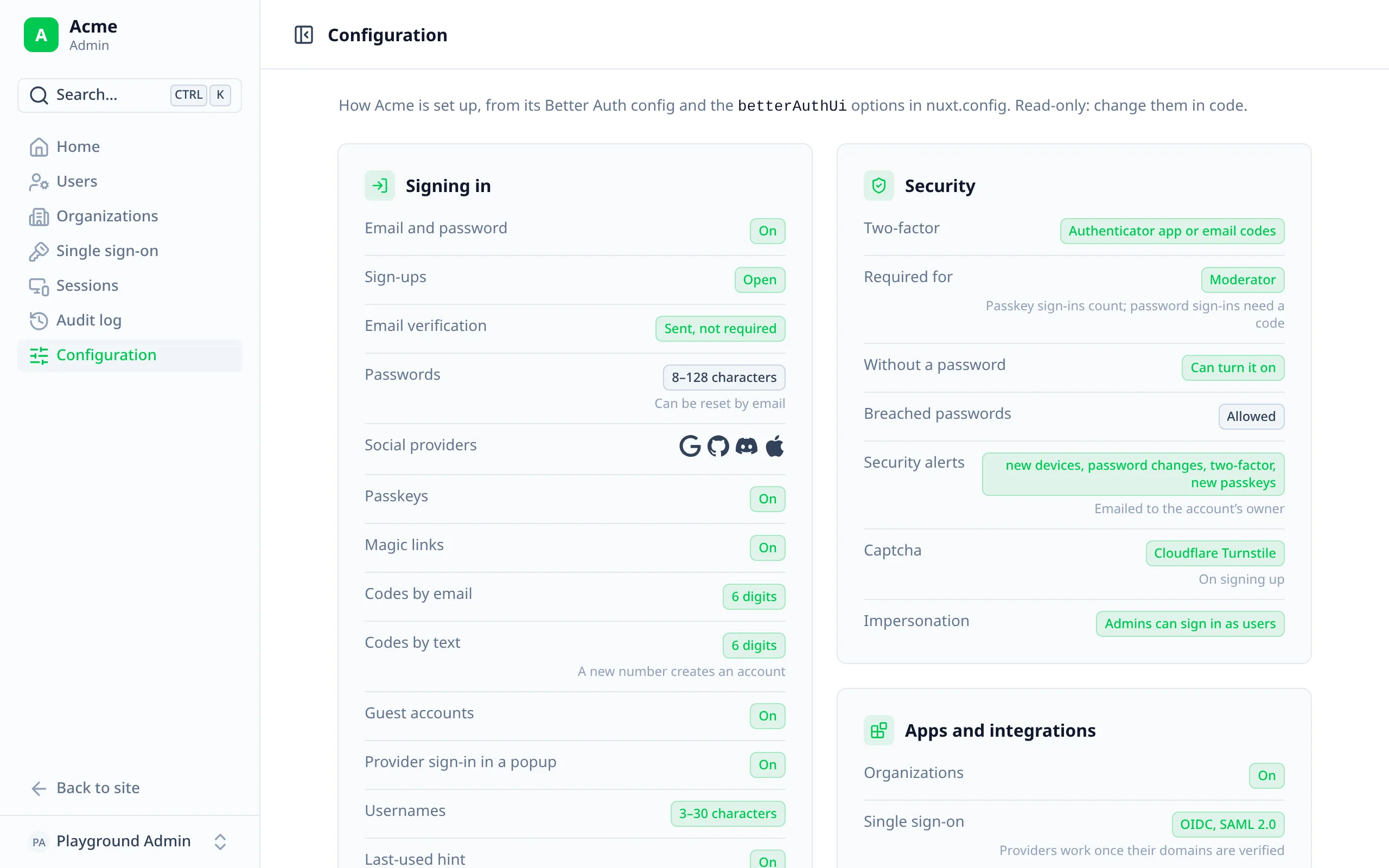
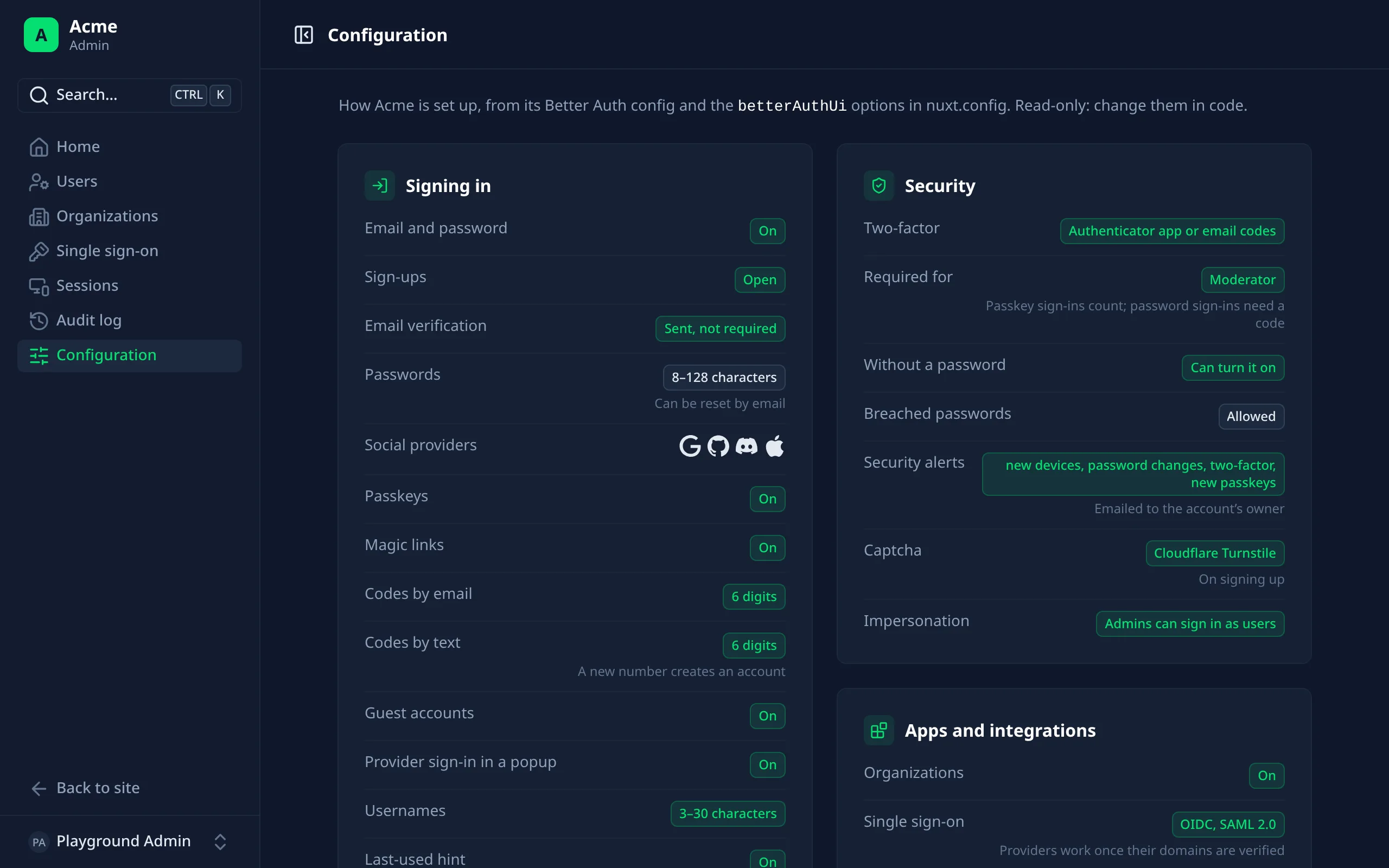
How your app is set up, read-only: sign-in methods and providers, email verification and password rules, two-factor (and who must use it), passkeys, impersonation, email changes and deletion, which emails have your own template, the audit log, activity tracking and every integration.
It also has a roles and permissions table: every Better Auth Admin permission against every role, checked exactly as the server checks it, with the roles that can open the admin marked "Staff".
Options
export default defineNuxtConfig({
  betterAuthUi: {
    admin: {
      route: '/admin',
      impersonation: true,
      notes: true
    }
  }
})
0 keeps them forever.{ enabled: true, updateInterval: 300000 }.Better Auth Admin plugin options
Passed through to Better Auth as documented. All optional.
user, the admin role, or one of roles.role, banned, banReason and banExpires to the user table, and impersonatedBy to
sessions: run Better Auth's migrations after installing.