Sign-in
Passkeys
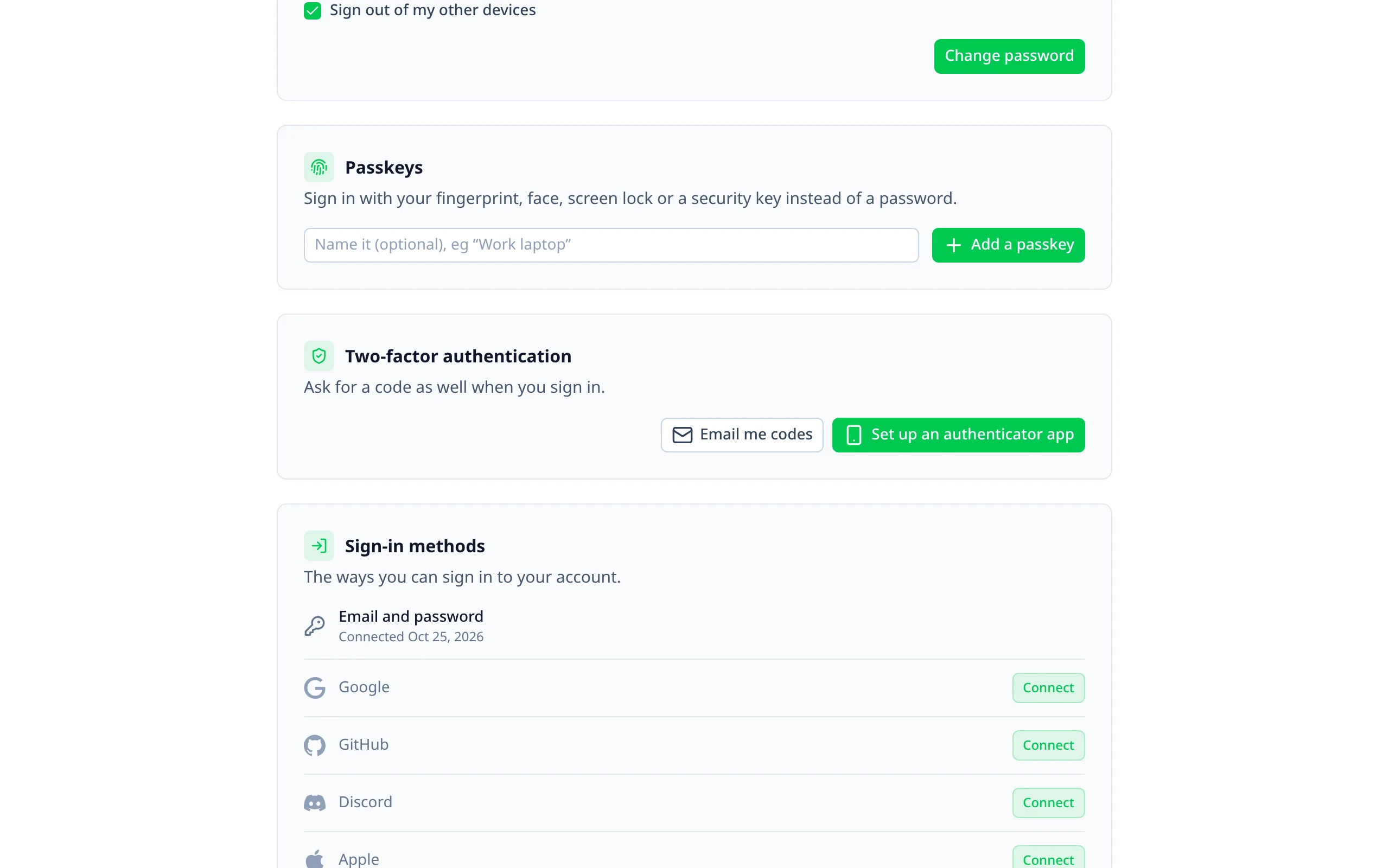
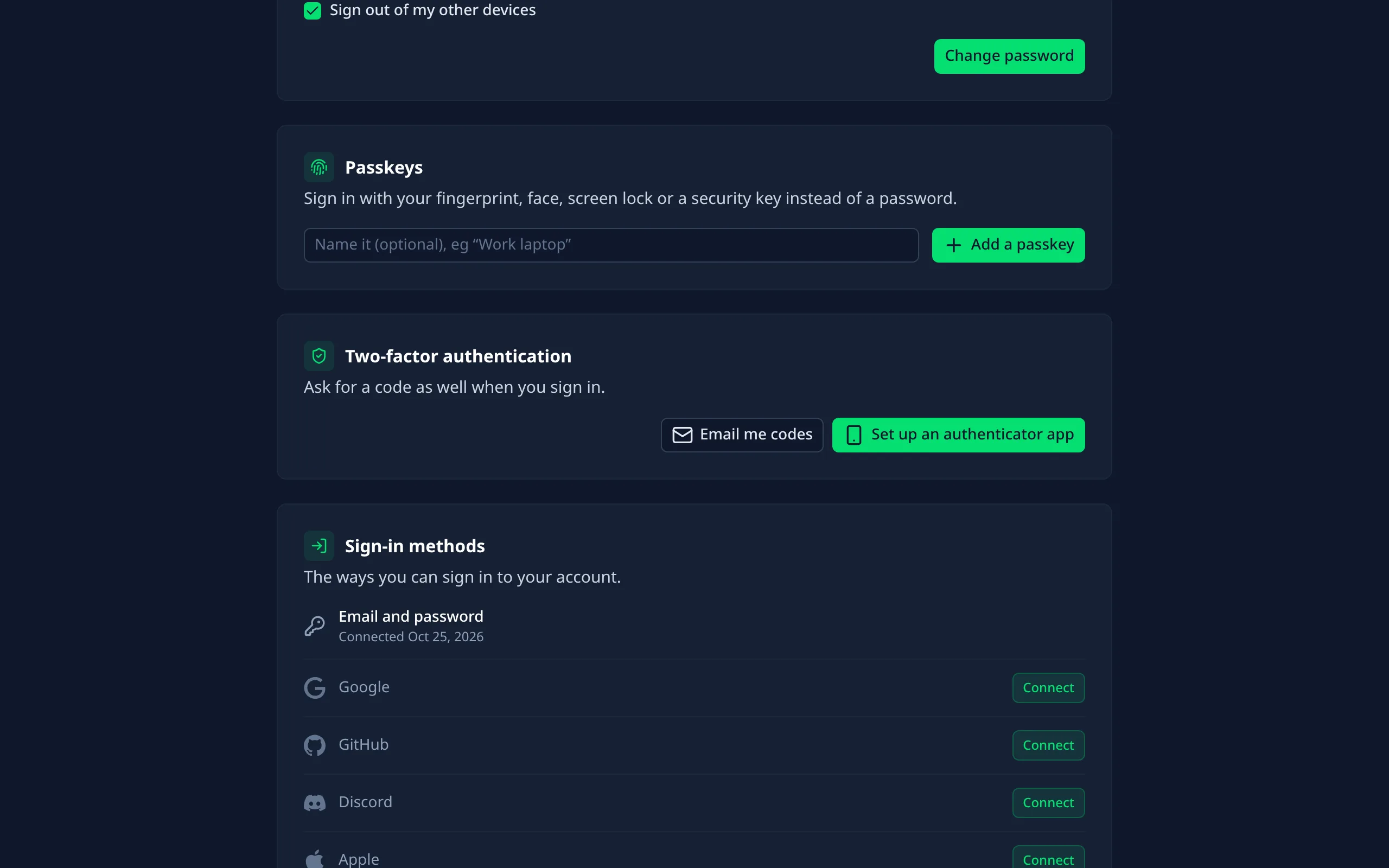
Sign in with a fingerprint, face or PIN instead of a password.
Better Auth's Passkey plugin.
Turning it on
Install the plugin's package
Terminal
pnpm add @better-auth/passkey
Enable it
nuxt.config.ts
export default defineNuxtConfig({
  betterAuthUi: {
    passkey: { enabled: true }
  }
})
Run Better Auth's migrations
The plugin adds a passkey table.
How people use it
- Account page: add a passkey, optionally named ("Work laptop"); the browser asks where to keep it. People see when each was added and whether it's synced, and can rename or remove them.
- Sign-in page: a "Passkey" button. The browser also offers saved passkeys straight from the email field, where it supports that. Either way, people go on to where they were heading.
- No two-factor code: a passkey is already two factors, so passkey sign-ins aren't asked for one.
Options
All optional; Better Auth's defaults otherwise.
enabled
booleandefault: false
rpName
string
The site name passkey prompts show. Defaults to your Better Auth
appName.rpID
string
The domain passkeys belong to, for example
example.com. Defaults to your base URL's hostname.origin
string
Where passkeys are used from, for example
https://example.com. Defaults to the request's origin.Passkeys belong to a domain. Set
rpID before people start adding them: passkeys made for one domain don't work on
another.In the admin
Staff can remove a user's passkey from their page, for example when a device is lost. See Managing users.
Adding the plugin yourself
Leave passkey.enabled off, add passkey() and passkeyClient() to your auth configs, and the pages pick it up.