Auth UI for Better Auth in Nuxt.
Stop building admin dashboards for the 100th time. Nuxt Better Auth UI builds on @nuxtjs/better-auth and Better Auth's own primitives to give you batteries-included UI for your Better Auth instance: sign-in pages, a self-service account page, organizations with single sign-on, and an admin dashboard to run it all. Simply turn features on in nuxt.config.ts.
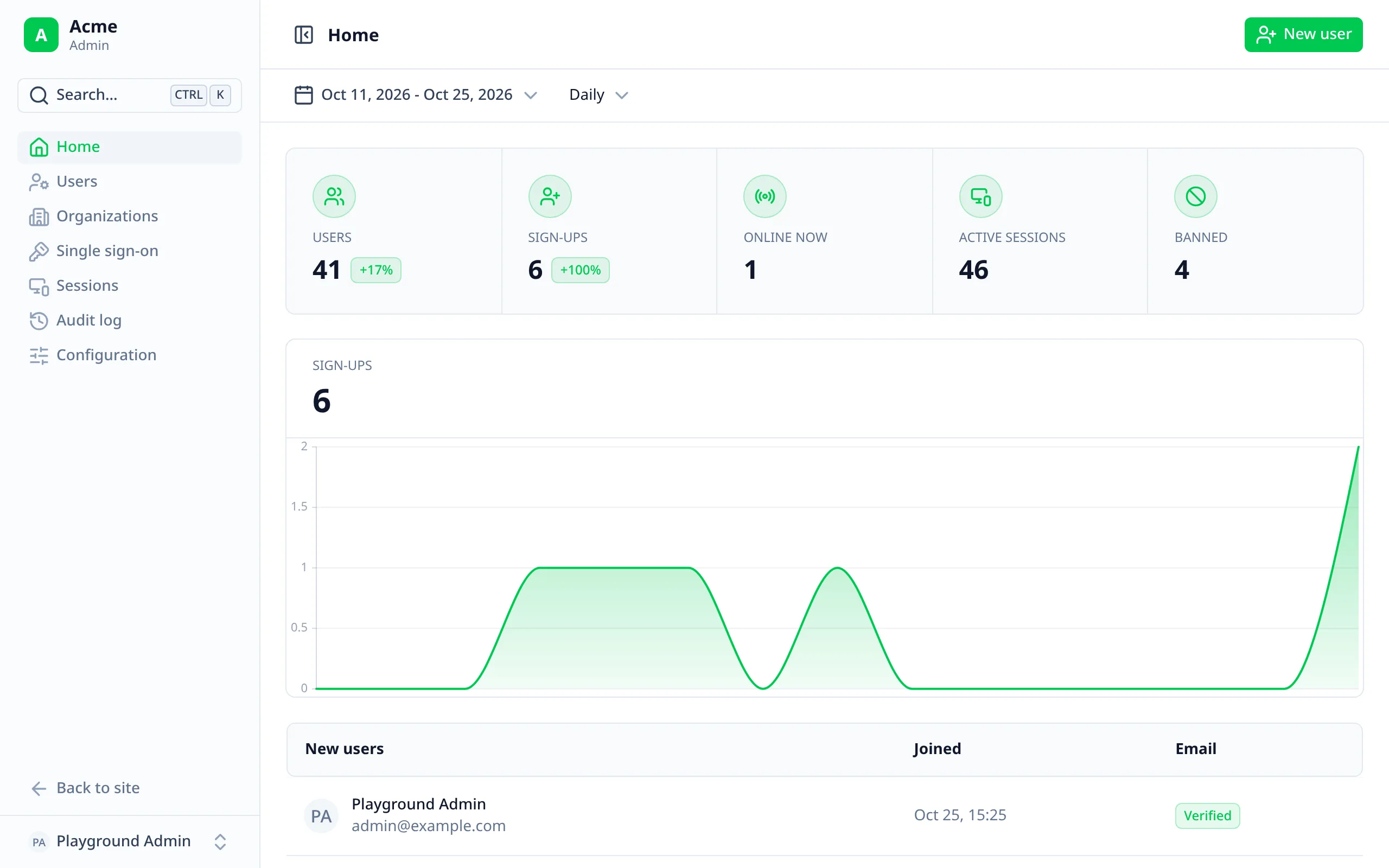
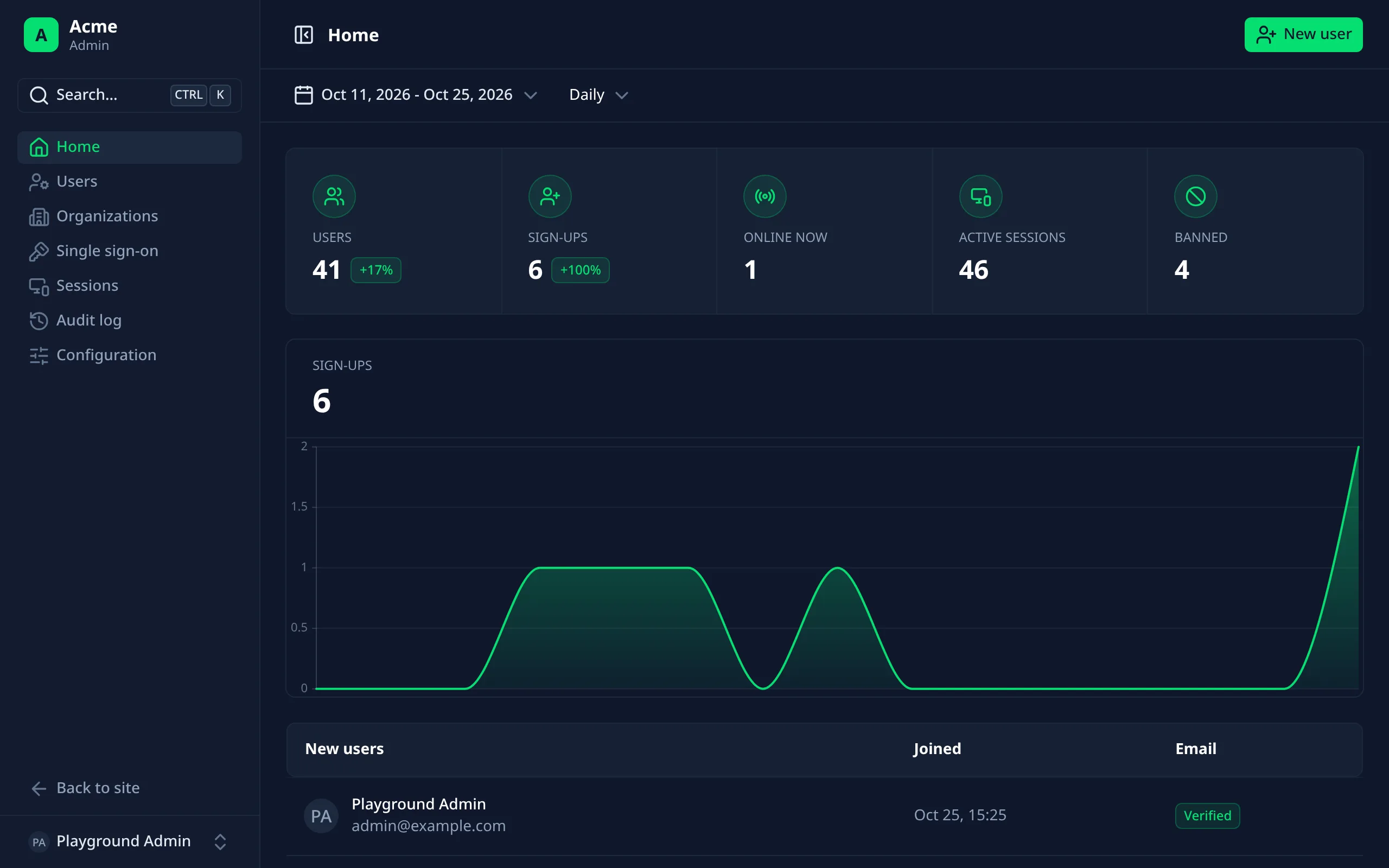
Every page around Better Auth
For the people using your app, and the staff running it. Each page shows only what your Better Auth set-up supports.
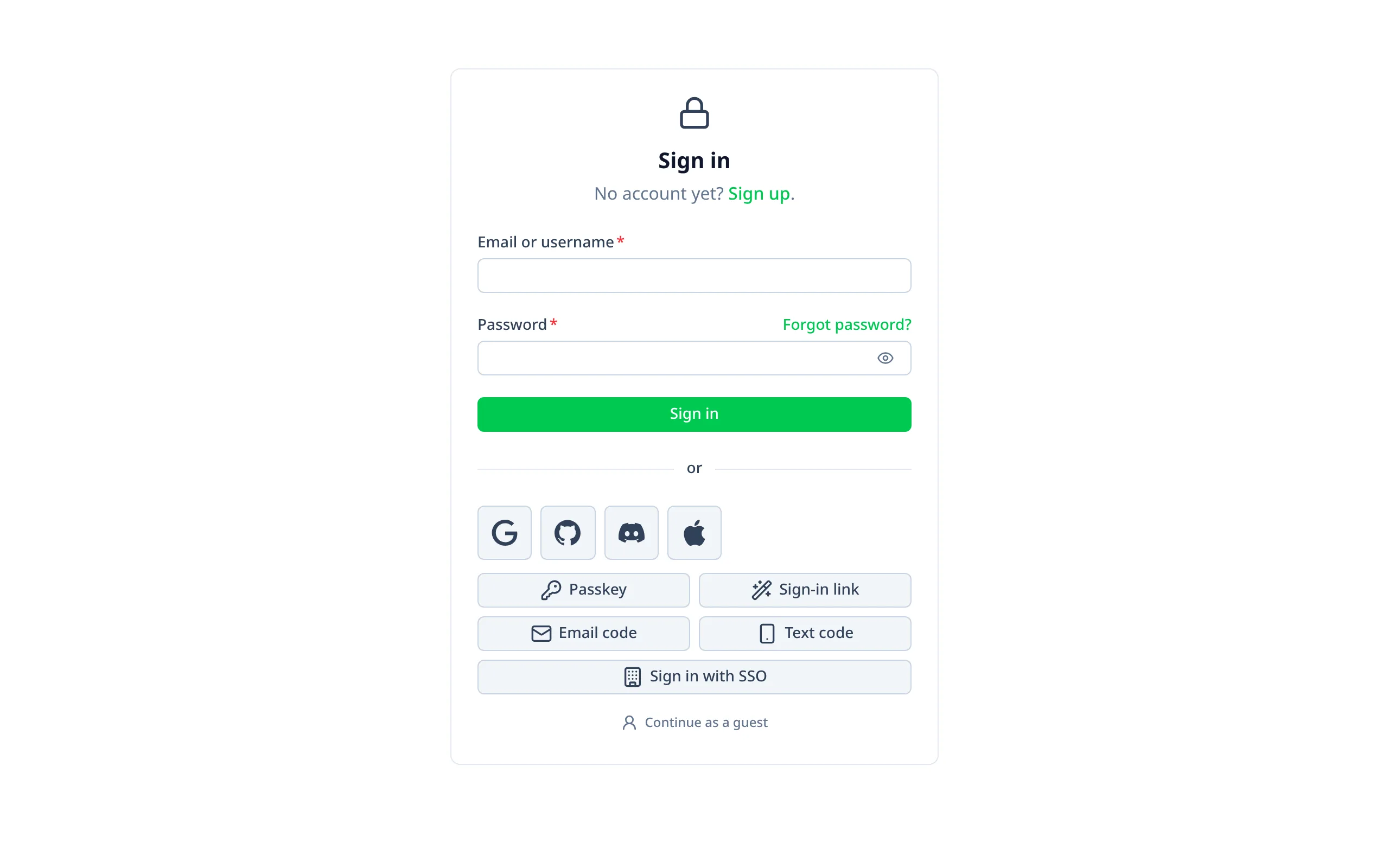
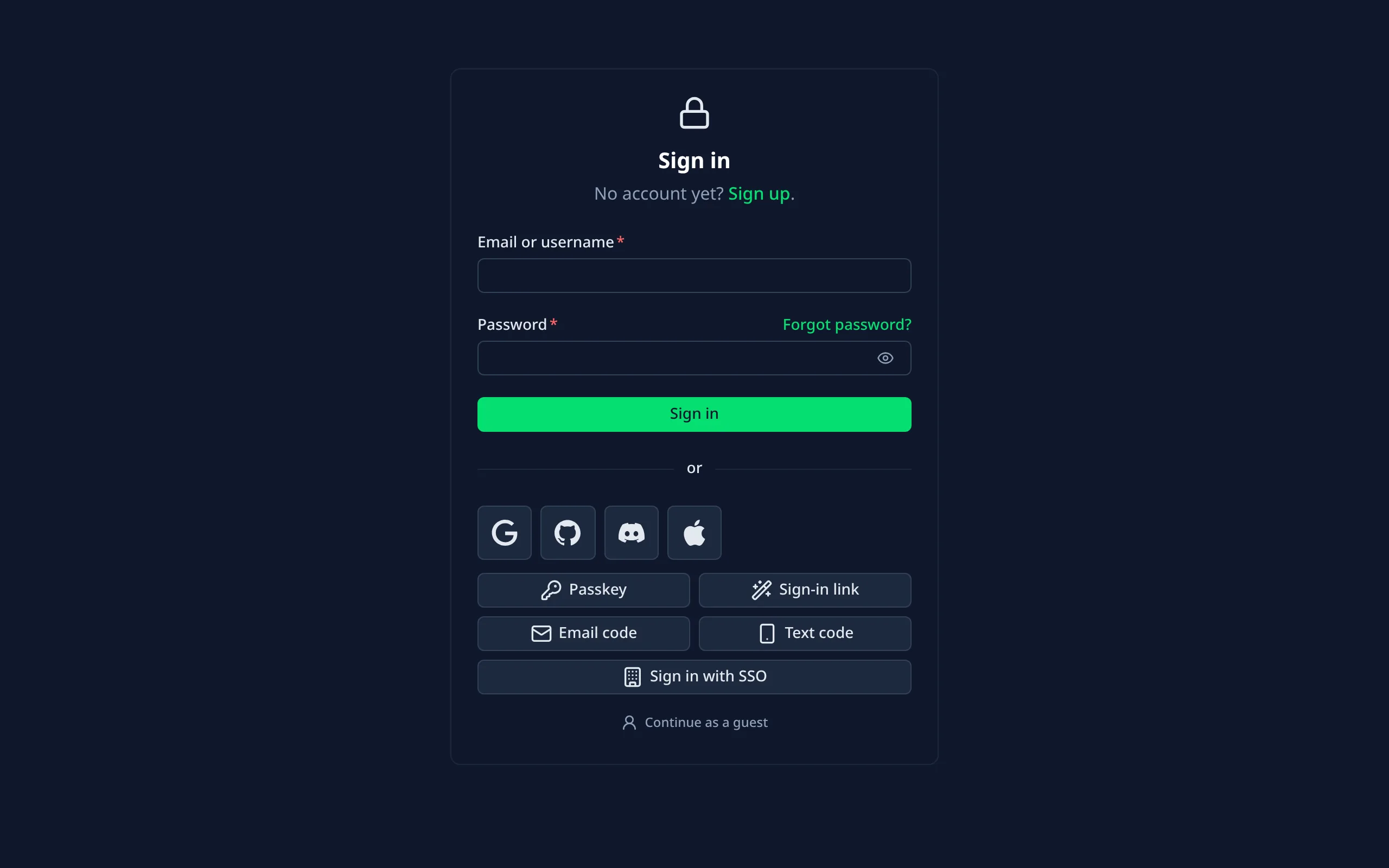
Sign-in pages
Passwords, providers, passkeys, links, codes, SSO and guests.
Account page
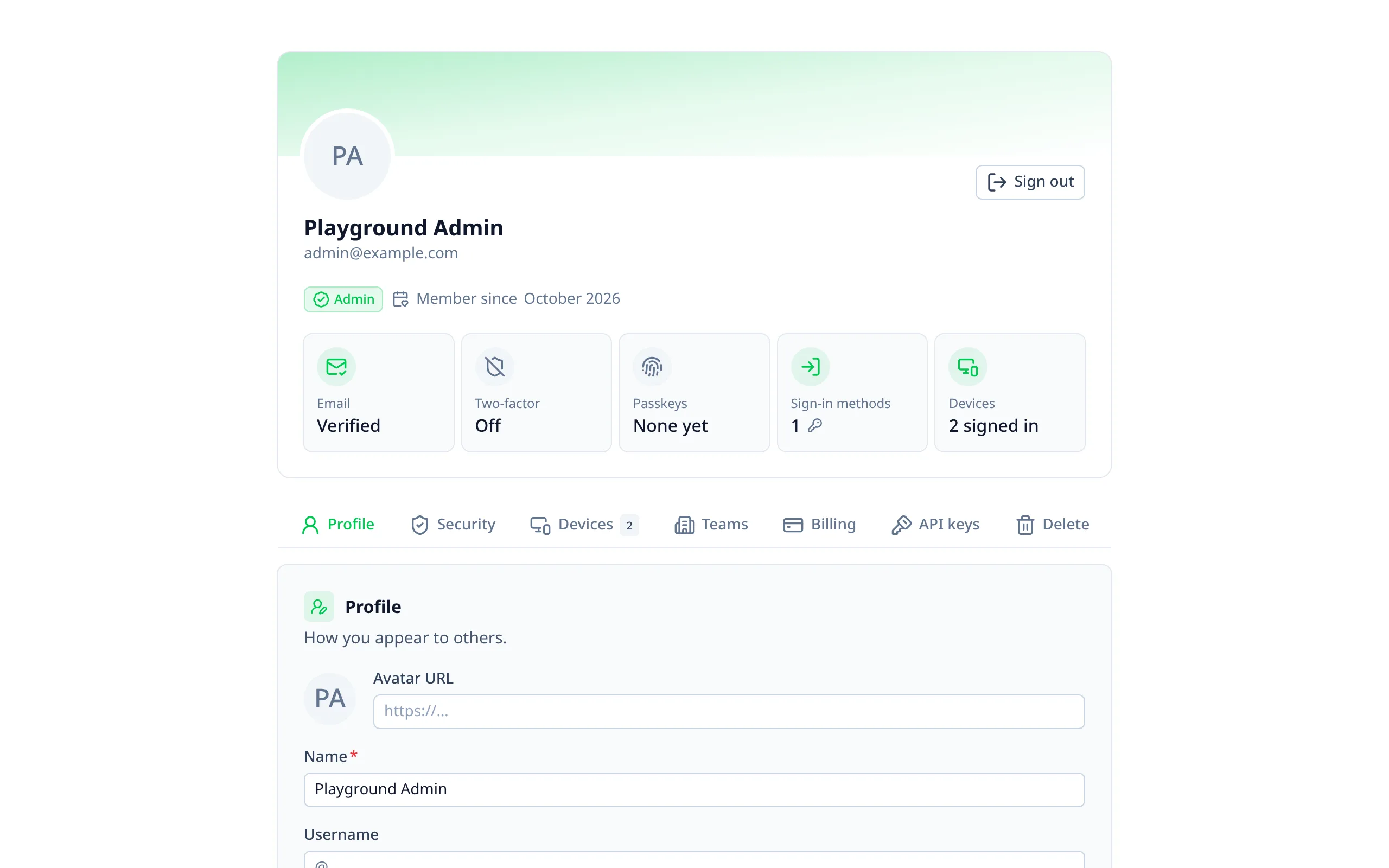
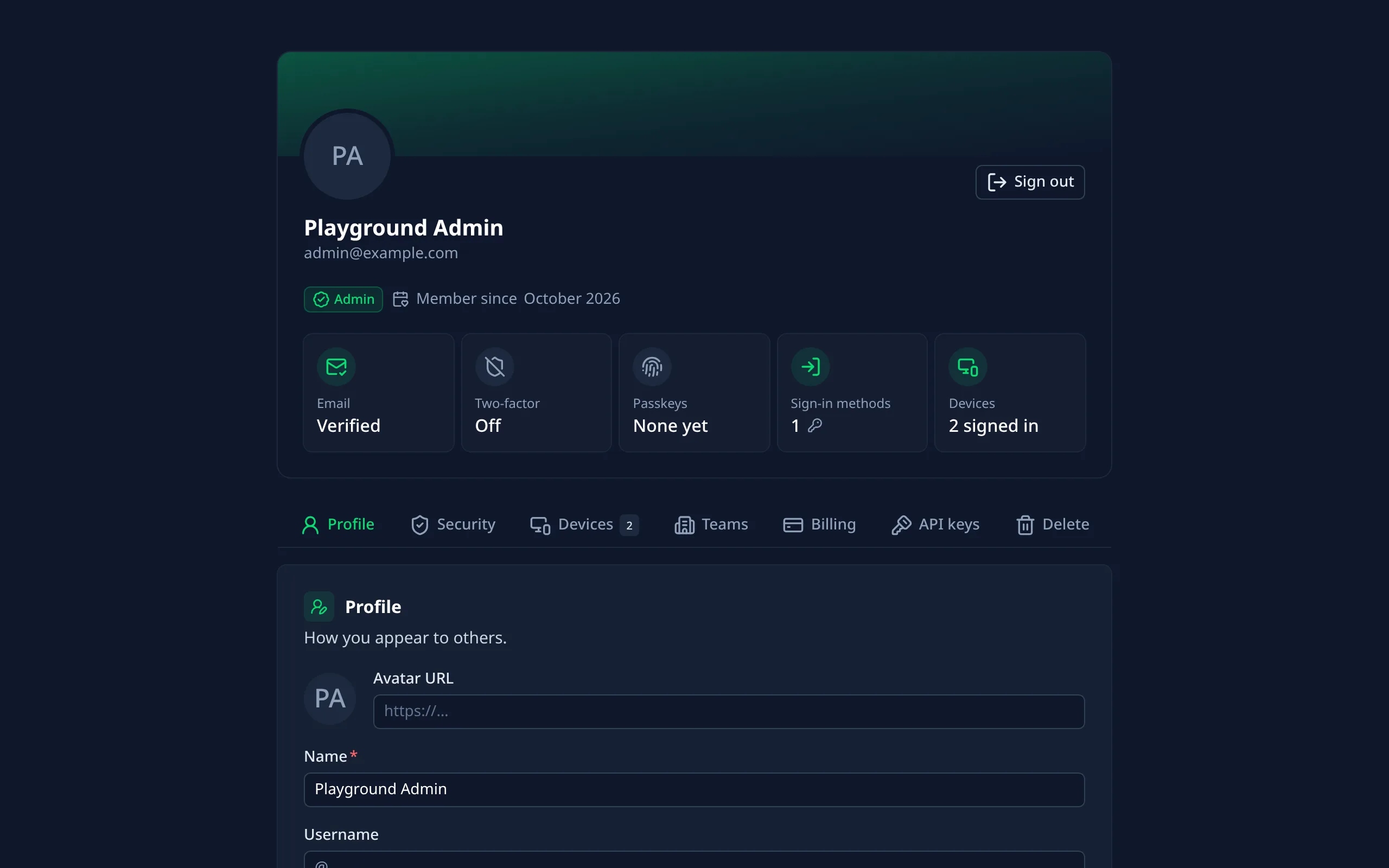
Profile, security, devices, keys, billing and their data.
Organizations
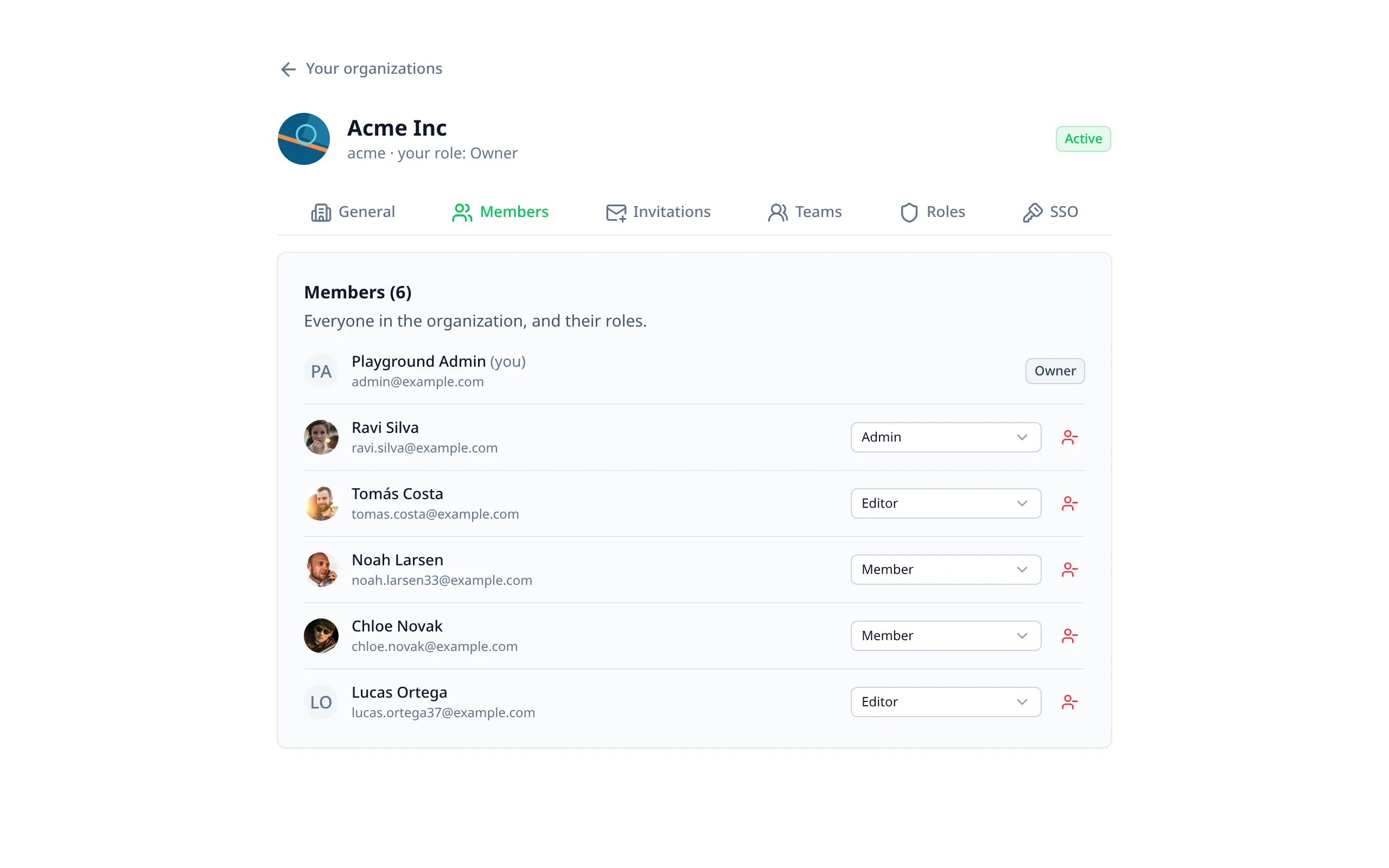
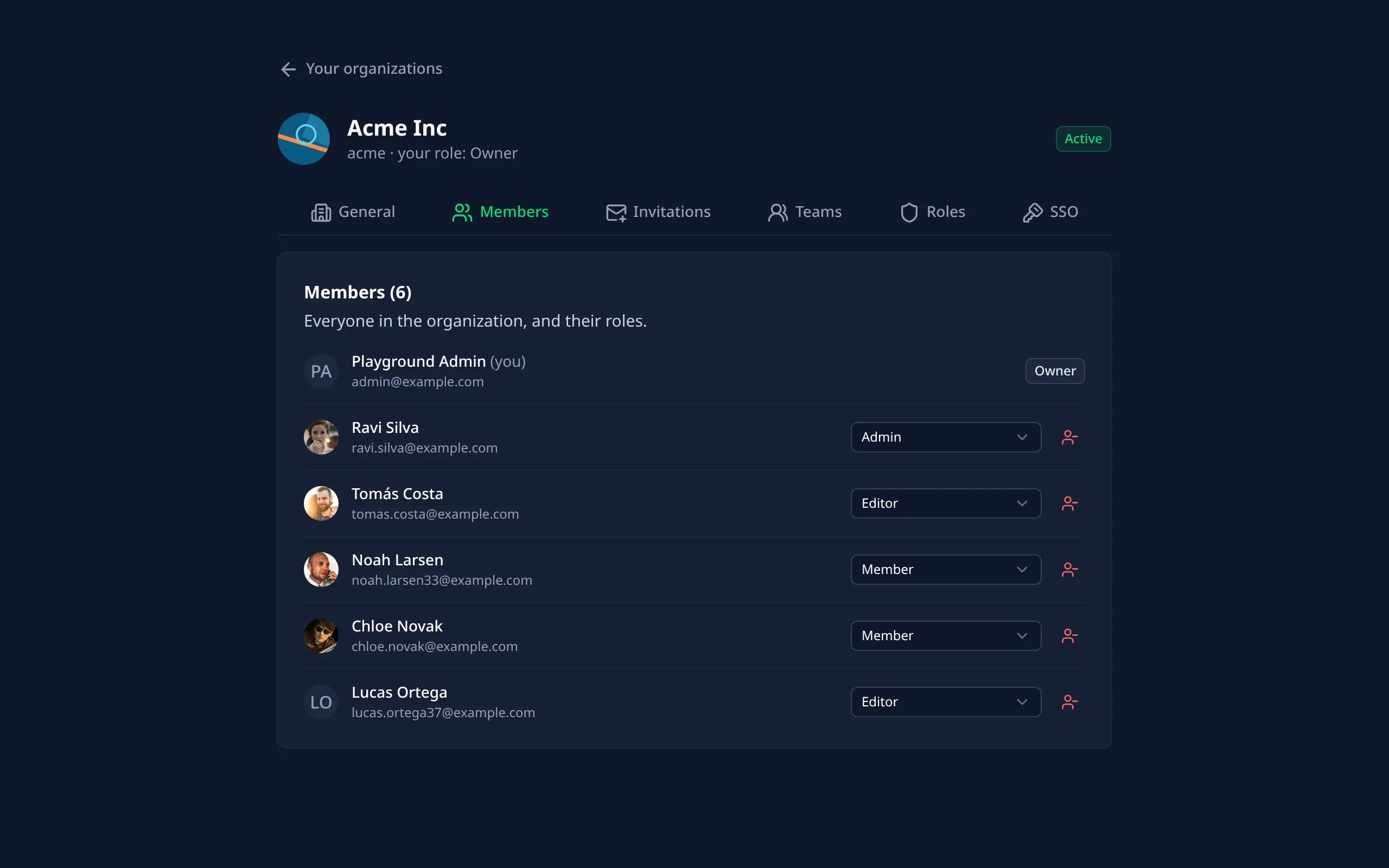
Members and their roles, invitations, teams and custom roles.
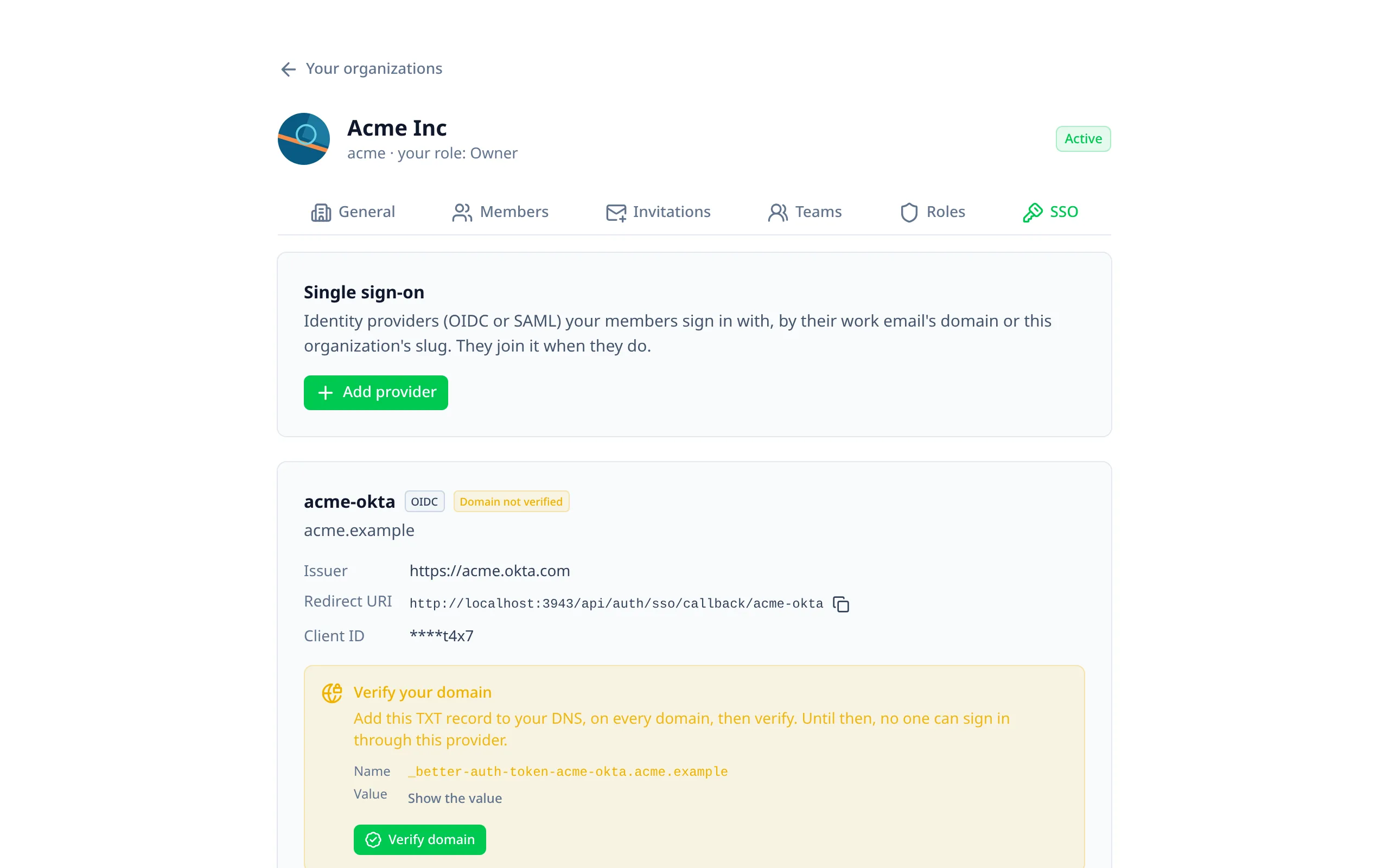
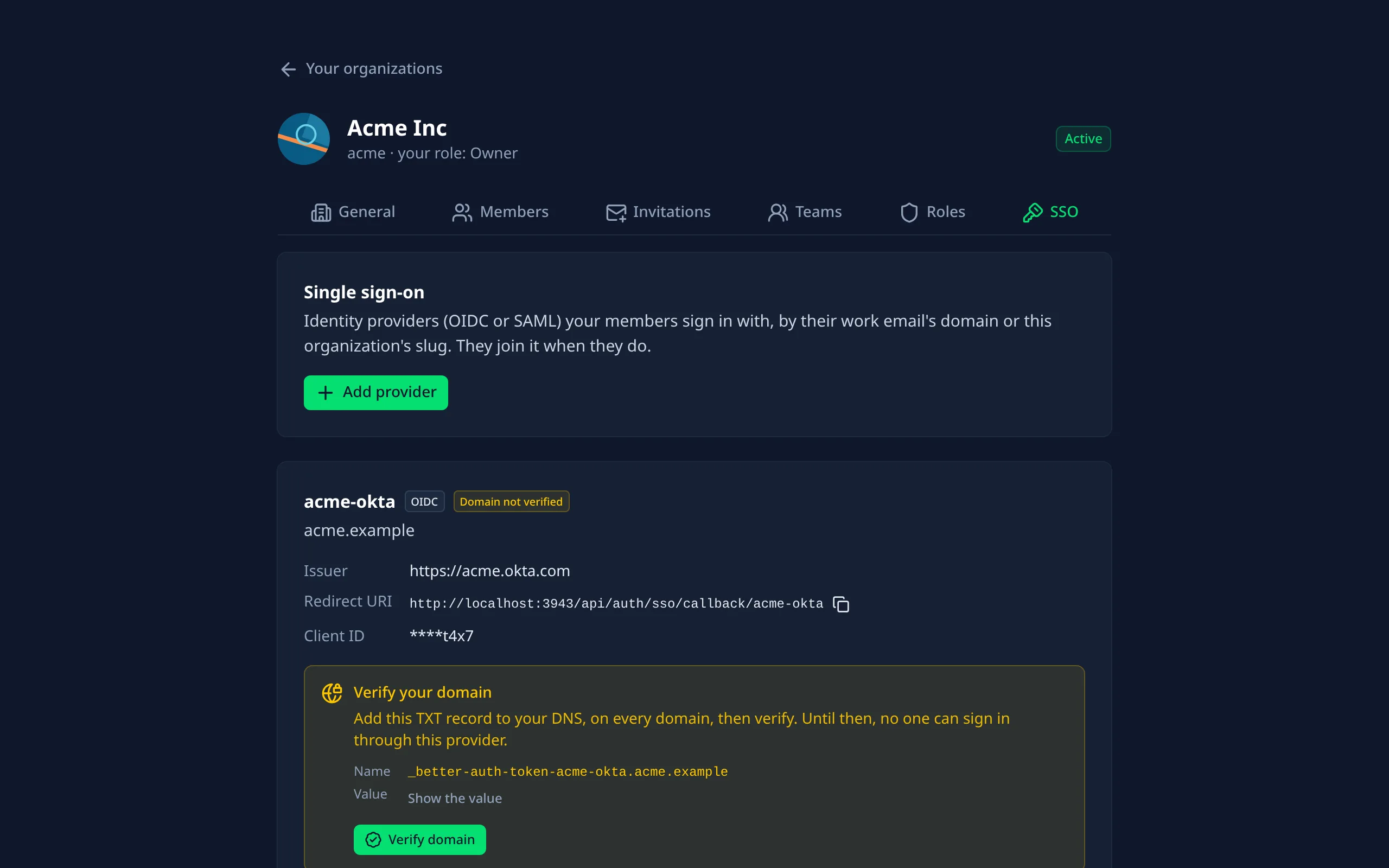
Single sign-on
OIDC and SAML providers, with domain verification.
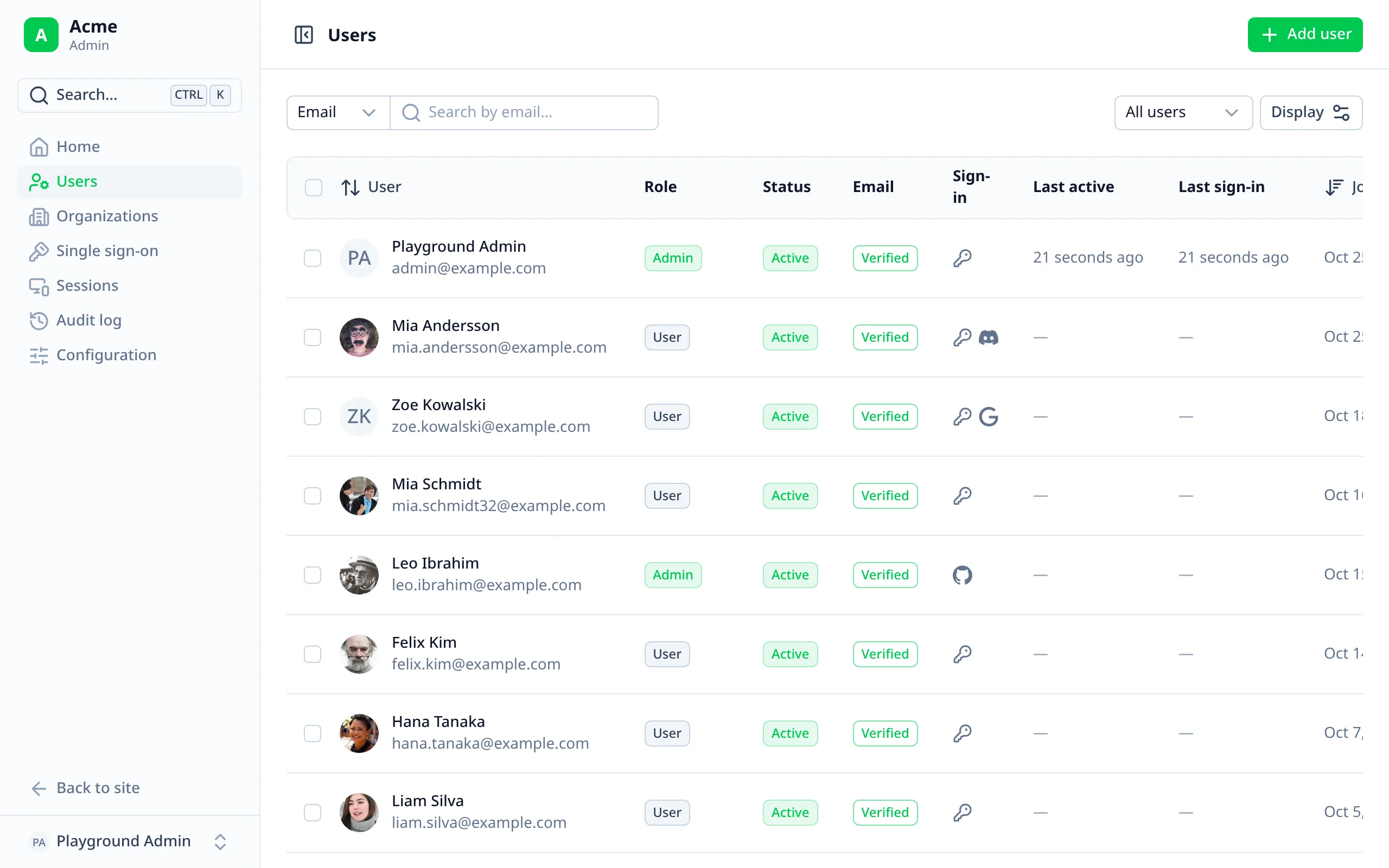
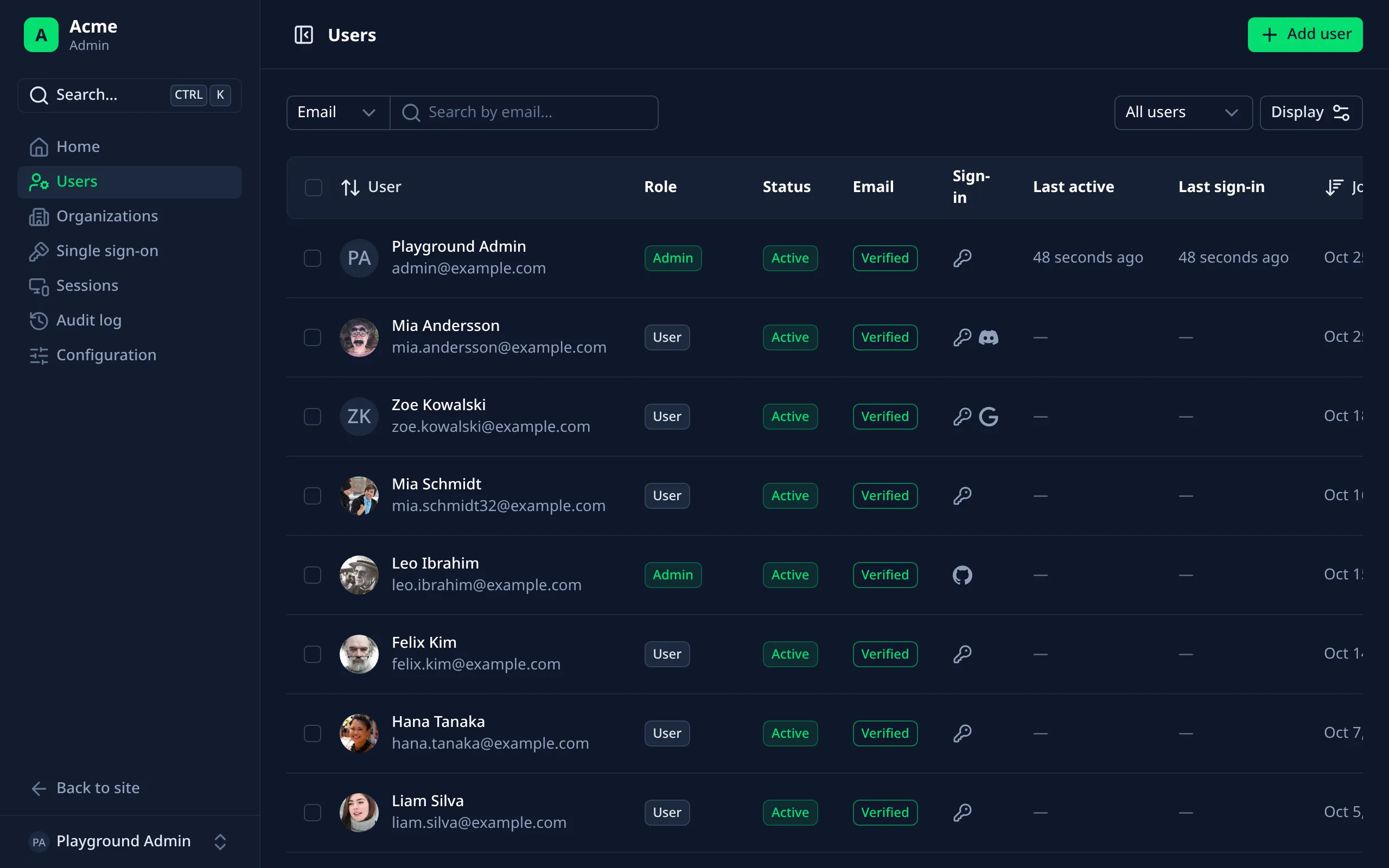
Managing users
Search, filter, ban, impersonate, and help locked-out users.
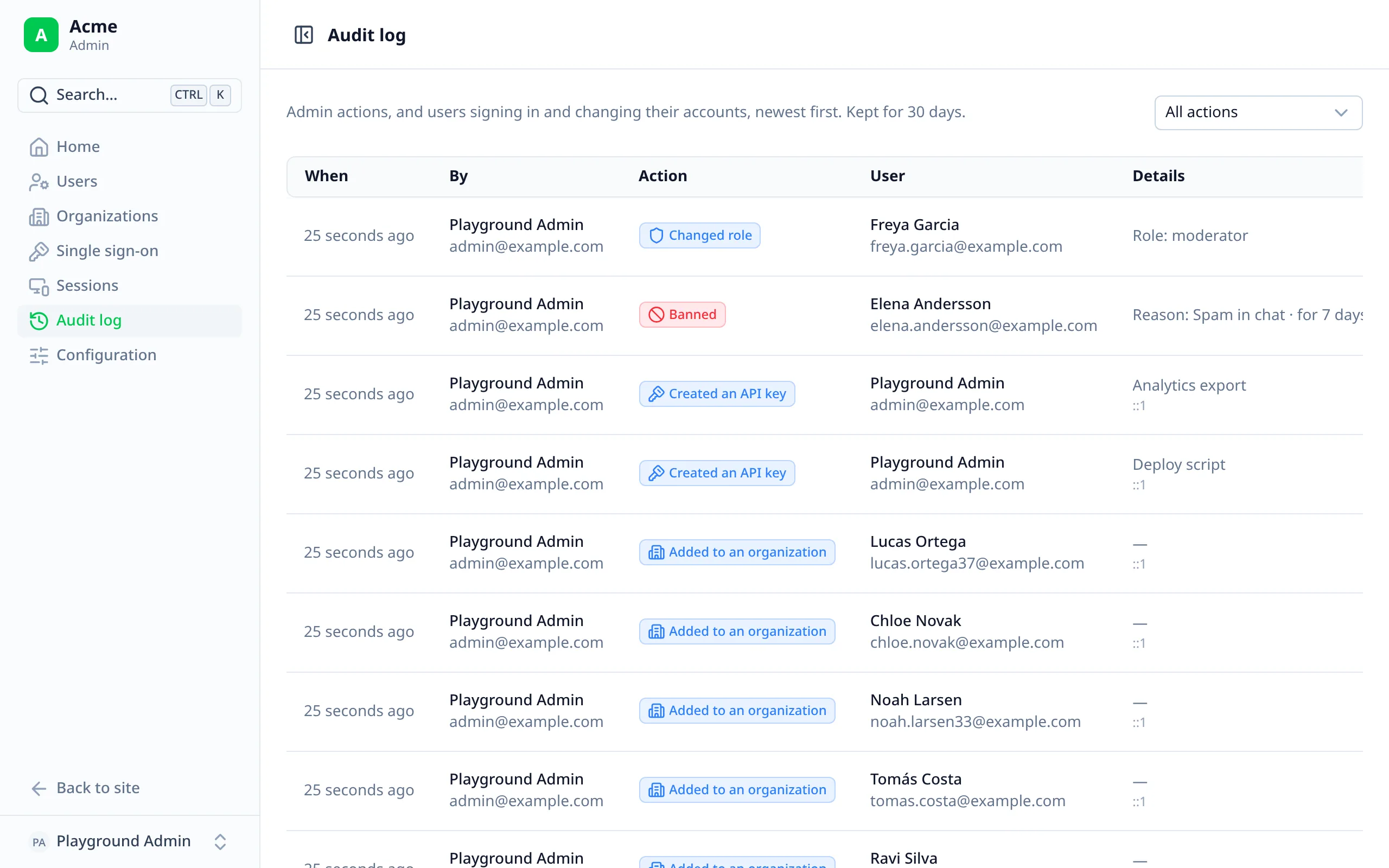
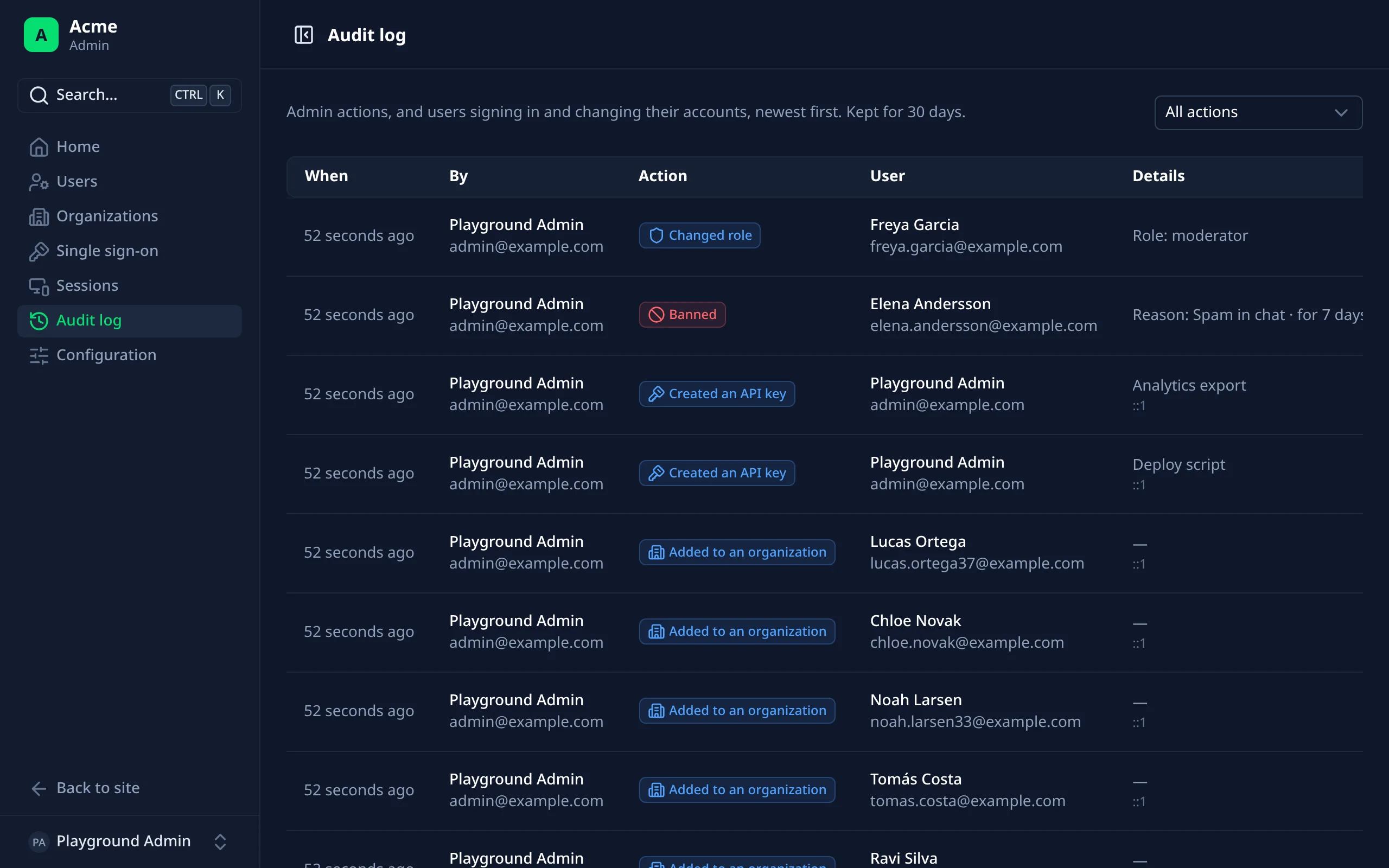
Audit log
Every admin action and users' sign-ins, with who and when.
Everything around Better Auth, ready to use
Sign-in pages
Passwords, passkeys, sign-in links, codes by email or text, social providers and single sign-on, with two-factor and captcha.
Account page
Profile, email, password, two-factor, passkeys, devices, connected accounts, API keys, billing and data download.
Organizations
Members, invitations, teams, custom roles and SSO providers, each shown to those whose role allows it.
Admin dashboard
Users, sessions, bans, impersonation, an audit log, staff notes and a read-only view of your set-up.
Emails
Verification, password reset, invitations and security alerts, with your own templates and delivery.
Your words, your language
English and Spanish built in, and any word can be renamed per language.
Turn on what you need
Each feature is one line in nuxt.config.ts. The module adds Better Auth's plugin for it, and the pages show it.
export default defineNuxtConfig({
  modules: ['@treygrr/nuxt-better-auth-ui'],
  betterAuthUi: {
    twoFactor: { enabled: true },
    passkey: { enabled: true },
    organization: { enabled: true },
    sso: { enabled: true }
  }
})